
Powder Charge Planning
Powder charges are not an accuracy slider. They change the trajectory that the calculator solves and compete for limited supplies. A higher-charge solution may help with timing or practical elevation, while a lower valid solution may preserve resources for later objectives and correction shots.
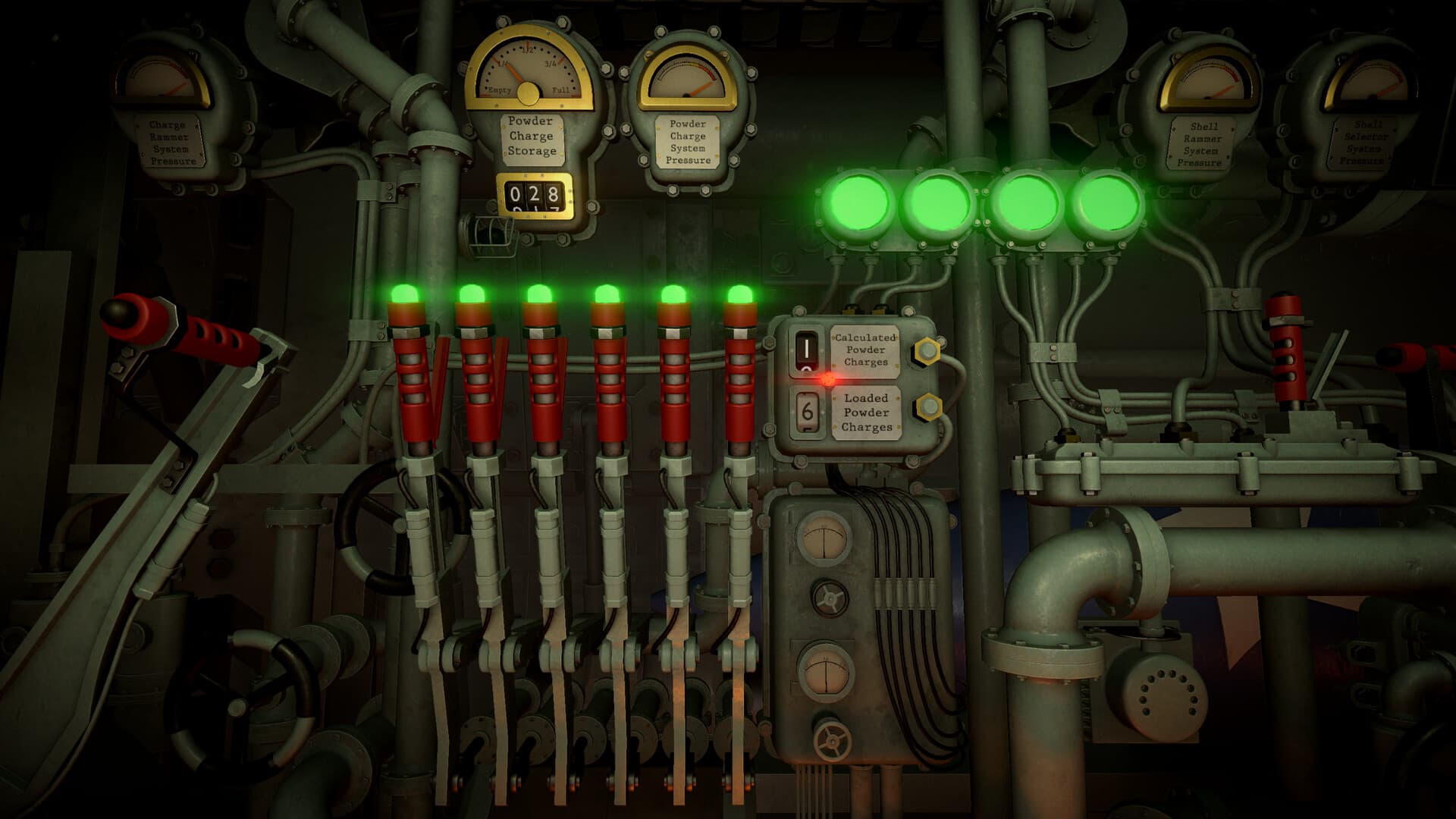
Compare complete trajectories
For the same target range, each candidate charge count must carry its own elevation and resource cost. Never compare charges alone or copy an elevation across candidates. Use the current in-game calculator instead of a static universal table because balance, mission state, and available counts can change.
Choose for the real mission constraint
A faster or lower-elevation trajectory can matter during counter-battery pressure, while routine fire may reward conservation. Reserve enough supply for correction, special ammunition, reconnaissance, and relocation. Maximum charges by habit can create an avoidable shortage later without repairing a bad target position or stale range.
- Confirm current range.
- Test an affordable charge count.
- Record its exact elevation.
- Compare one alternative only if a constraint requires it.
- Select and load one matching pair.
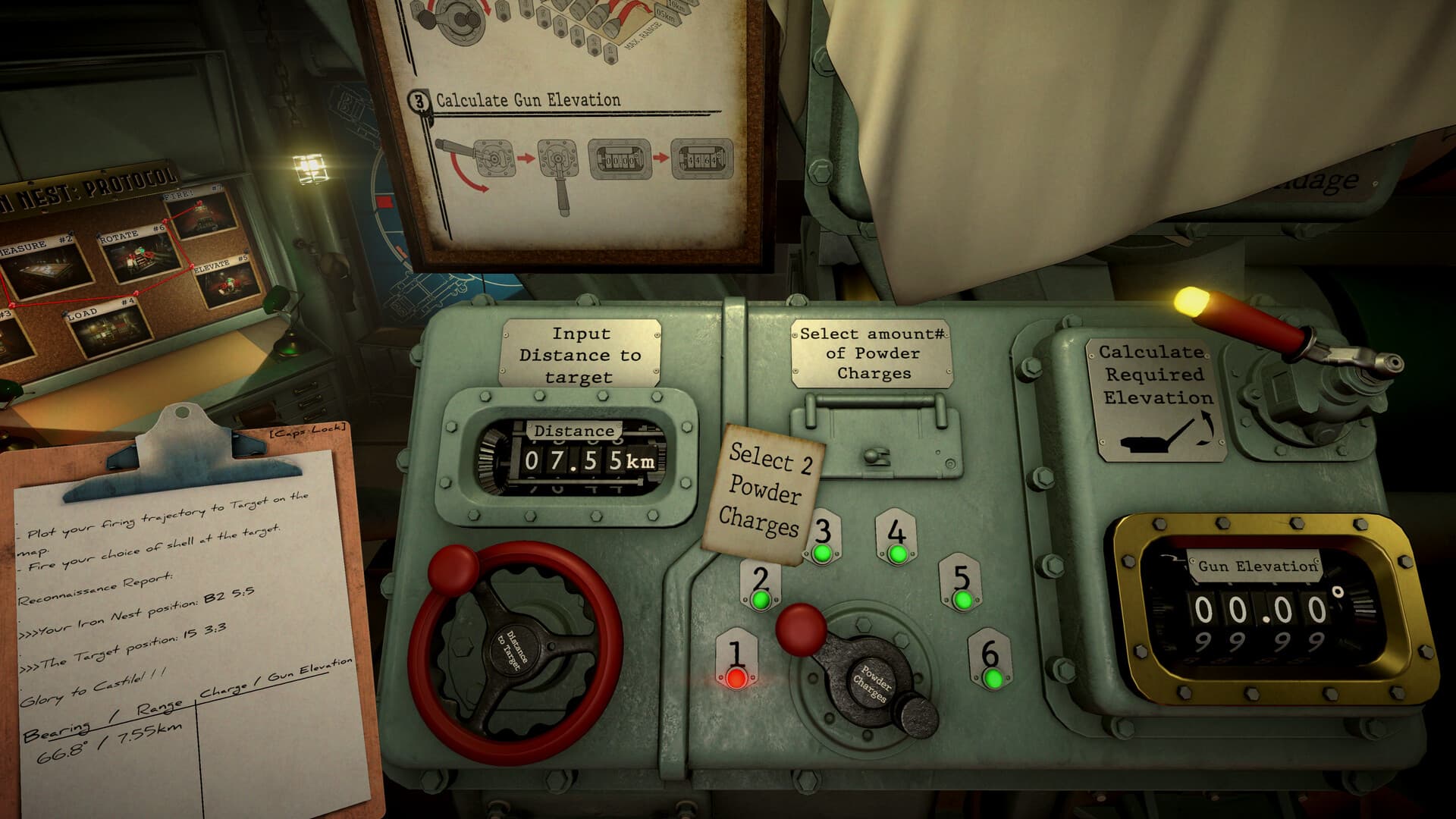
Keep the loader and calculator synchronized
The calculator solves the count selected on its controls, not the count that eventually reaches the gun. Write the chosen charges beside elevation, then read that line at the loading station. If physical loading changes, invalidate the elevation and return to the calculator rather than compensating from memory.
Correct a short or long impact deliberately
Verify map range, calculator selection, physical charges, and actual elevation before changing anything. A random extra charge creates a new trajectory and hides the original error. Preserve the first card, correct the confirmed mismatch, and compare the next impact on the same target line.
Sources & verification
Mechanics can change after patches. Official references and clearly labeled community findings used for this guide:
Official IRON NEST Steam page ↗IRON NEST Steam Community discussions ↗