Read the order
Separate the reporting source, target, coordinate or clue, required effect, and timing. Preserve later corrections instead of replacing the only known origin.
Independent operator field guide
Practical IRON NEST manuals built around the real operator workflow: read the order, plot the target, calculate the trajectory, load the correct shell, fire, and diagnose the result.
Start here
Three different jobs, three different page formats: full workflow, visual map reference, and symptom-based troubleshooting.
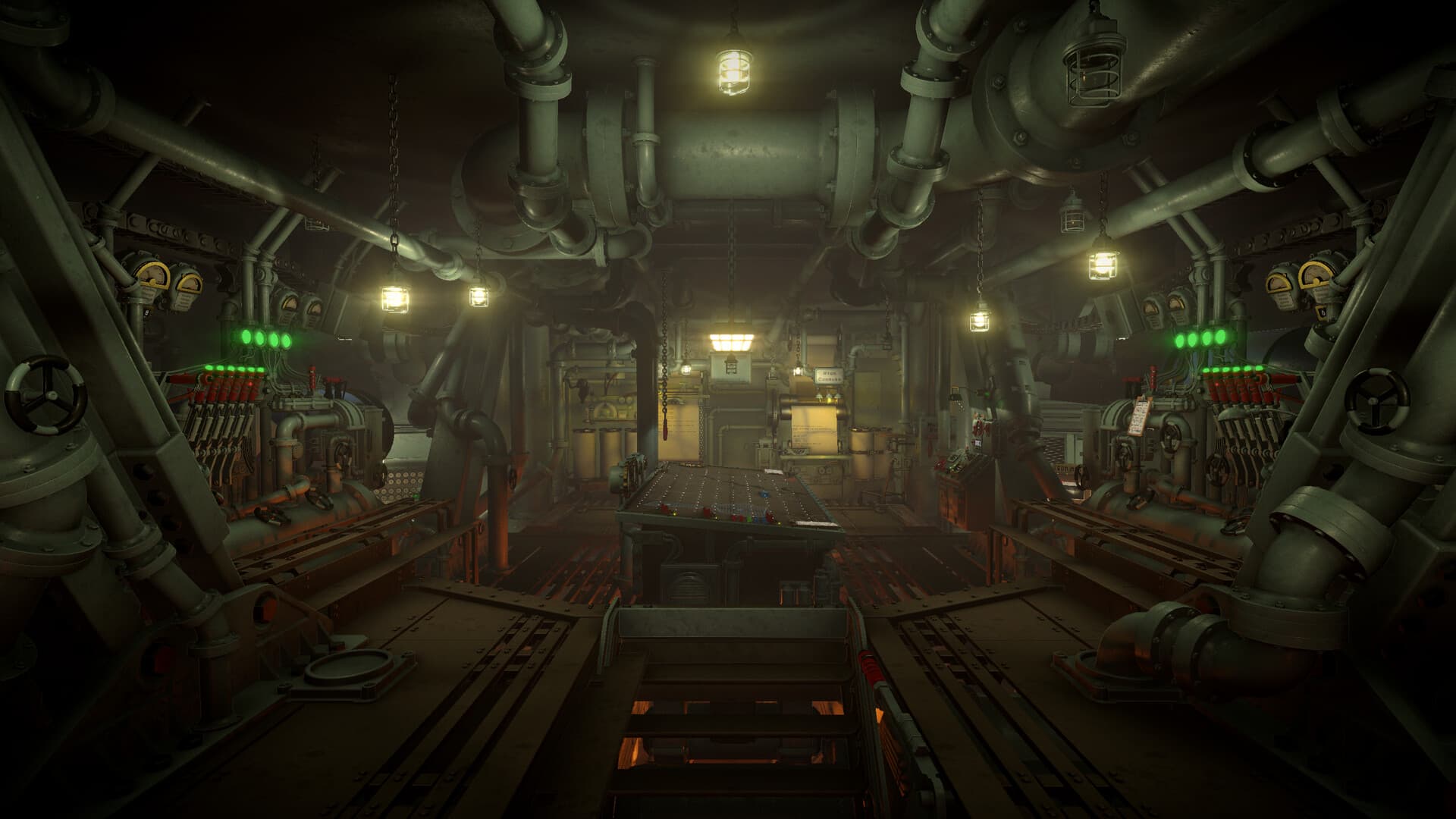
A practical IRON NEST beginner walkthrough from teleprinter order and map plotting to ballistics, loading, firing, and correcting a missed shot.
Open field manual →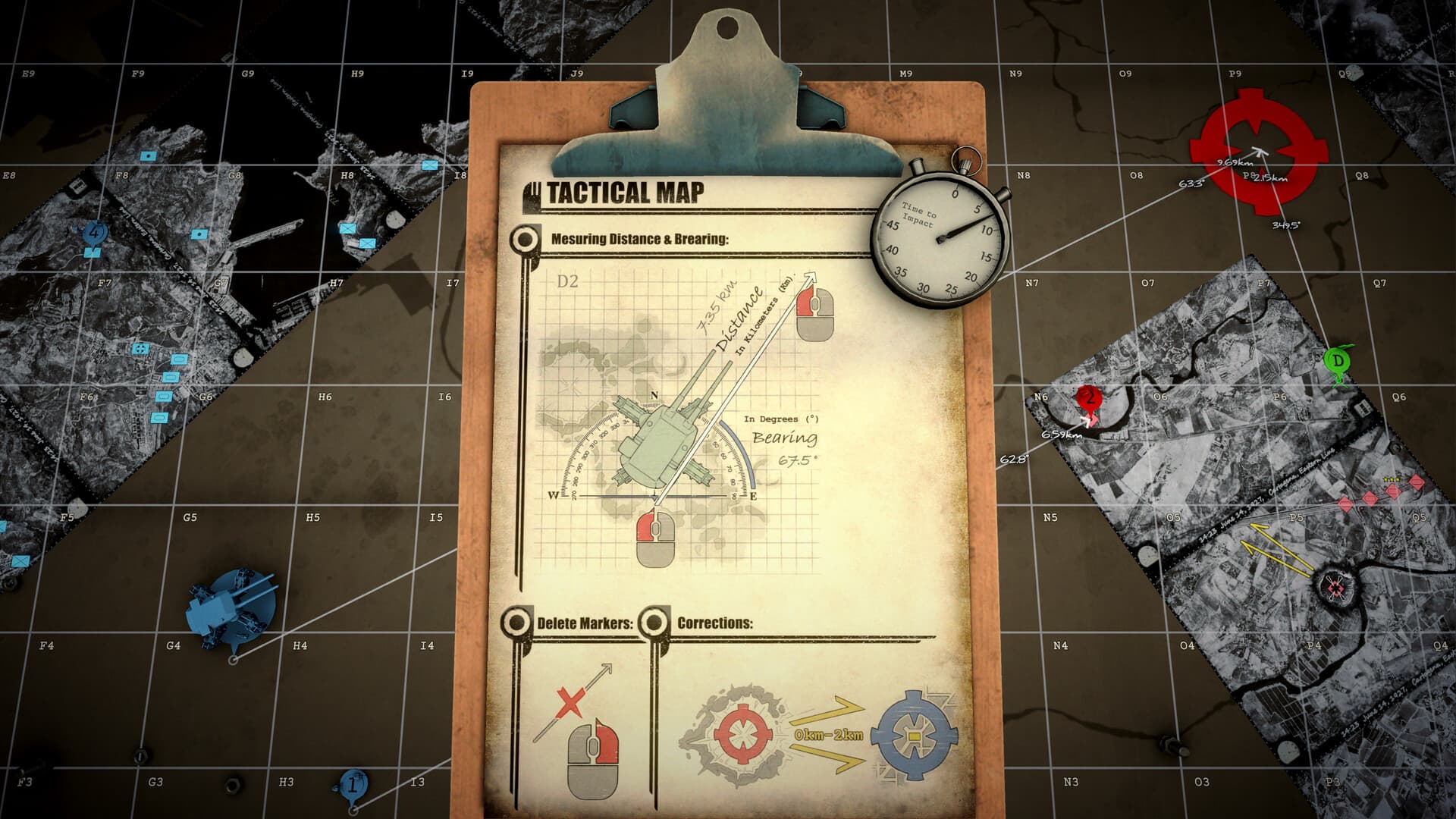
Use the IRON NEST tactical map to plot full grid coordinates, draw bearing lines and distance arcs, and read the final NEST-to-target bearing and range.
Open field manual →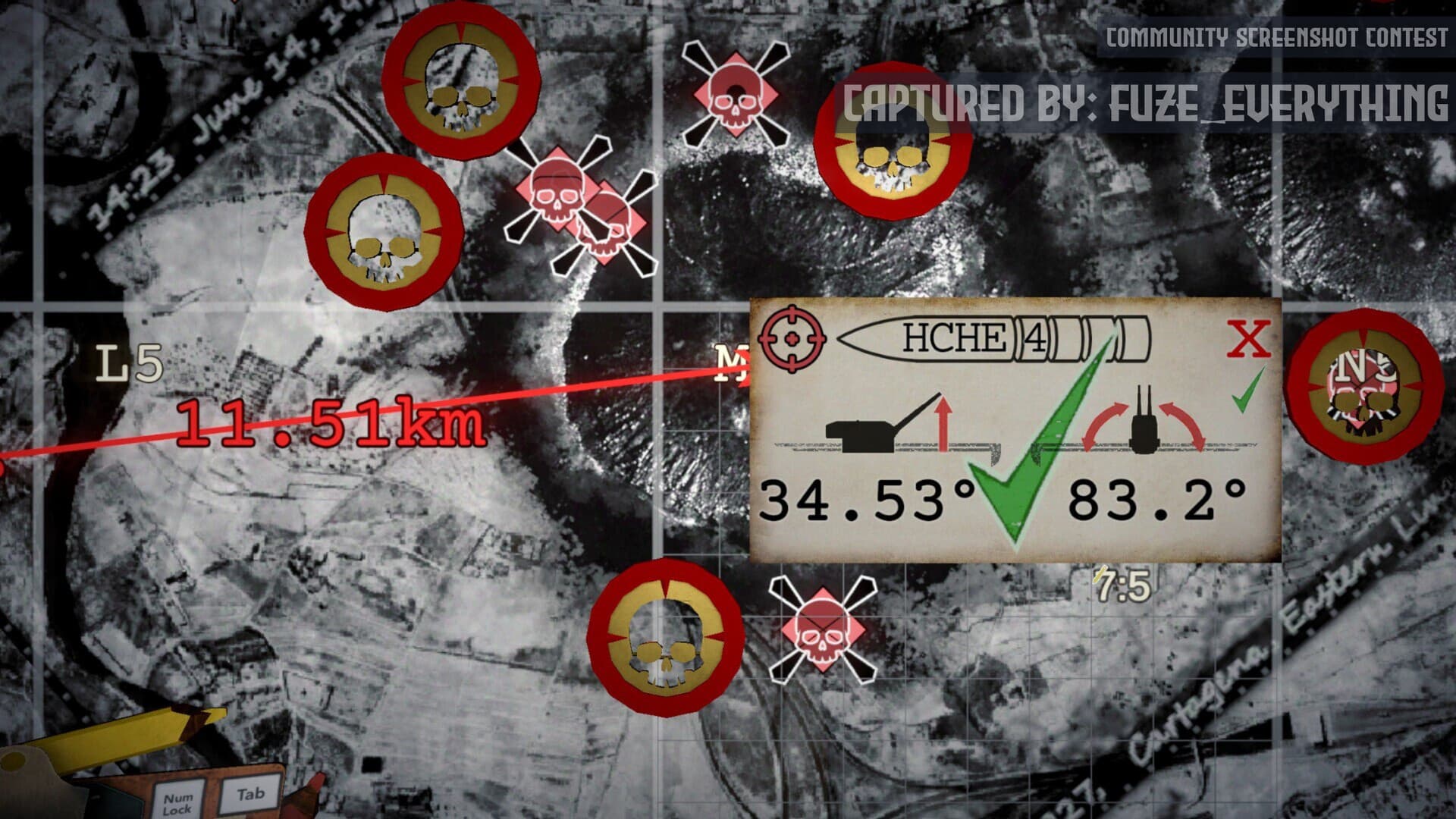
Diagnose left-right misses, short or long impacts, failed objectives, and inconsistent shots by checking the smallest relevant set of inputs.
Open field manual →The complete shot
A firing solution stays trustworthy only when every downstream value can be traced to the same target and current NEST position.
Separate the reporting source, target, coordinate or clue, required effect, and timing. Preserve later corrections instead of replacing the only known origin.
Place the current NEST, numbered observers, and confirmed reference points. Draw bearings from their named origins and distances as compass arcs.
After the target is confirmed, draw one final line from the current NEST. Its bearing controls traverse; its range goes to the calculator.
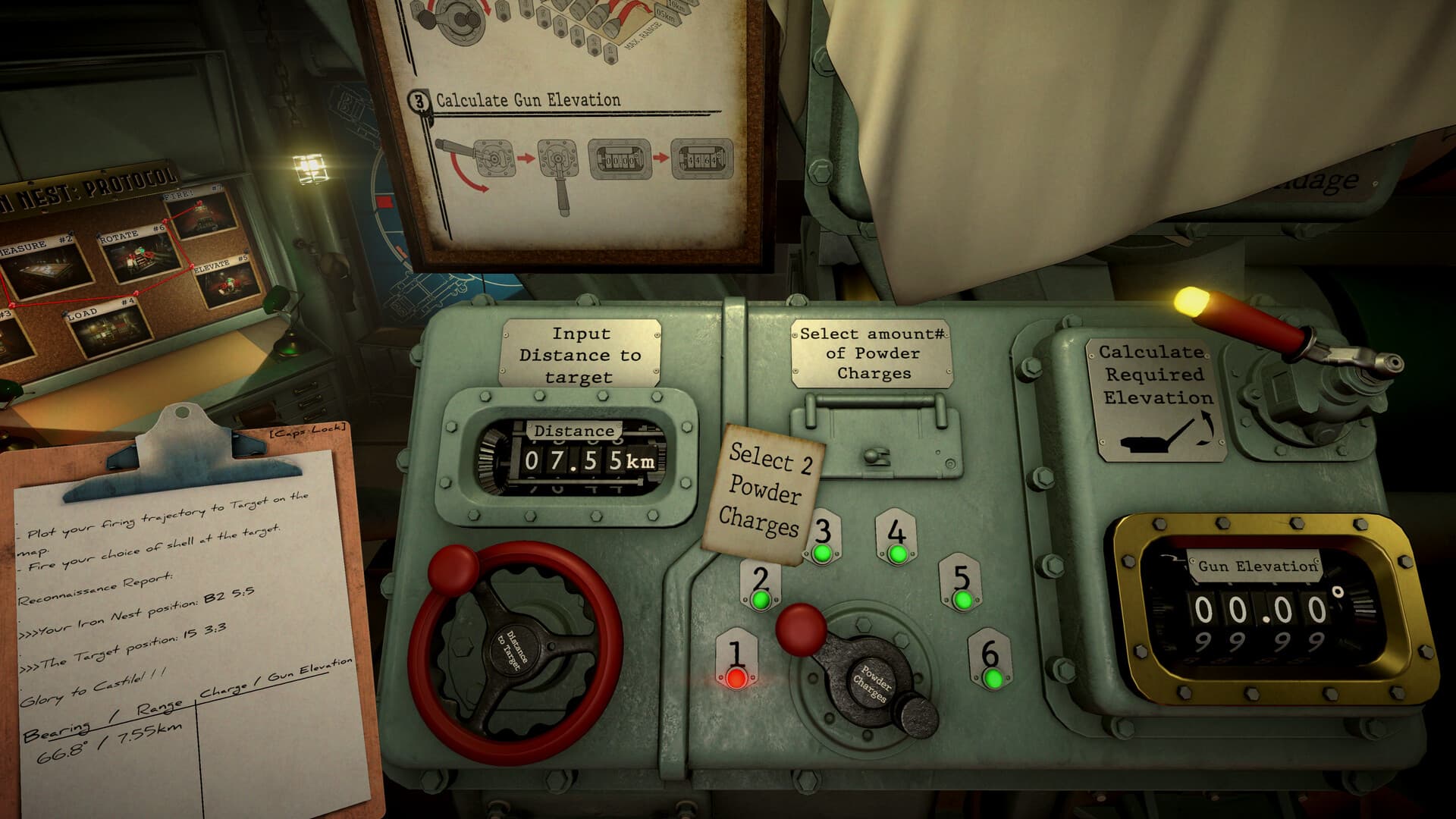
Choose a physical powder count you can load and record the elevation returned for that exact range-and-charge pair.
Assign the shell and firing card to a specific barrel. Set traverse, elevation, and the physical charge count without borrowing values from another target.
Classify the impact before changing anything: lateral errors belong to geometry, depth errors to the ballistic chain, and objective failures to target or shell choice.
The key rule: target, origin, bearing, range, shell, powder charges, and elevation describe one shot. If the NEST moves or the charge count changes, rebuild the affected solution rather than editing a convenient number.
Explore every machine systemInside the NEST
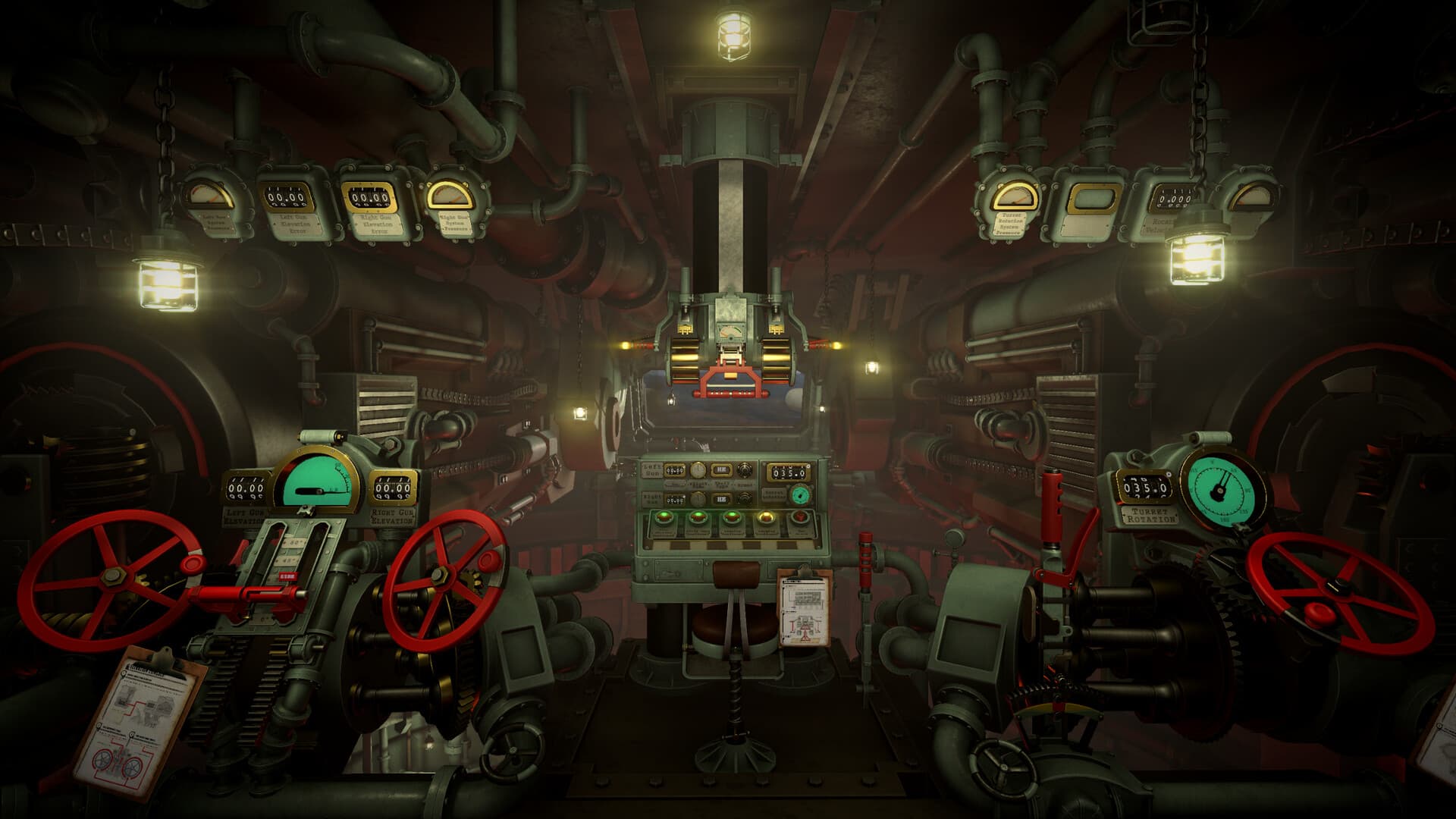
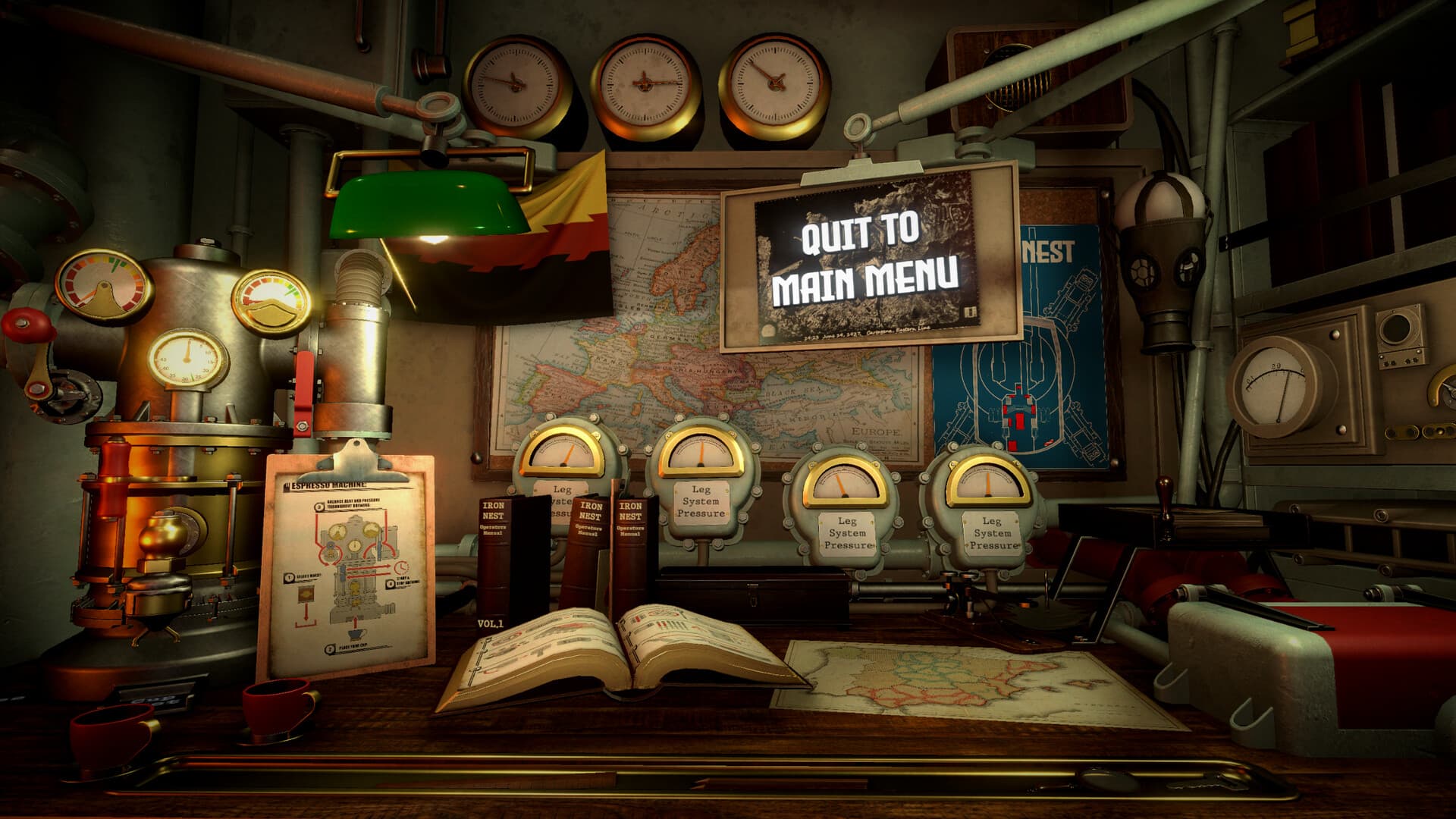
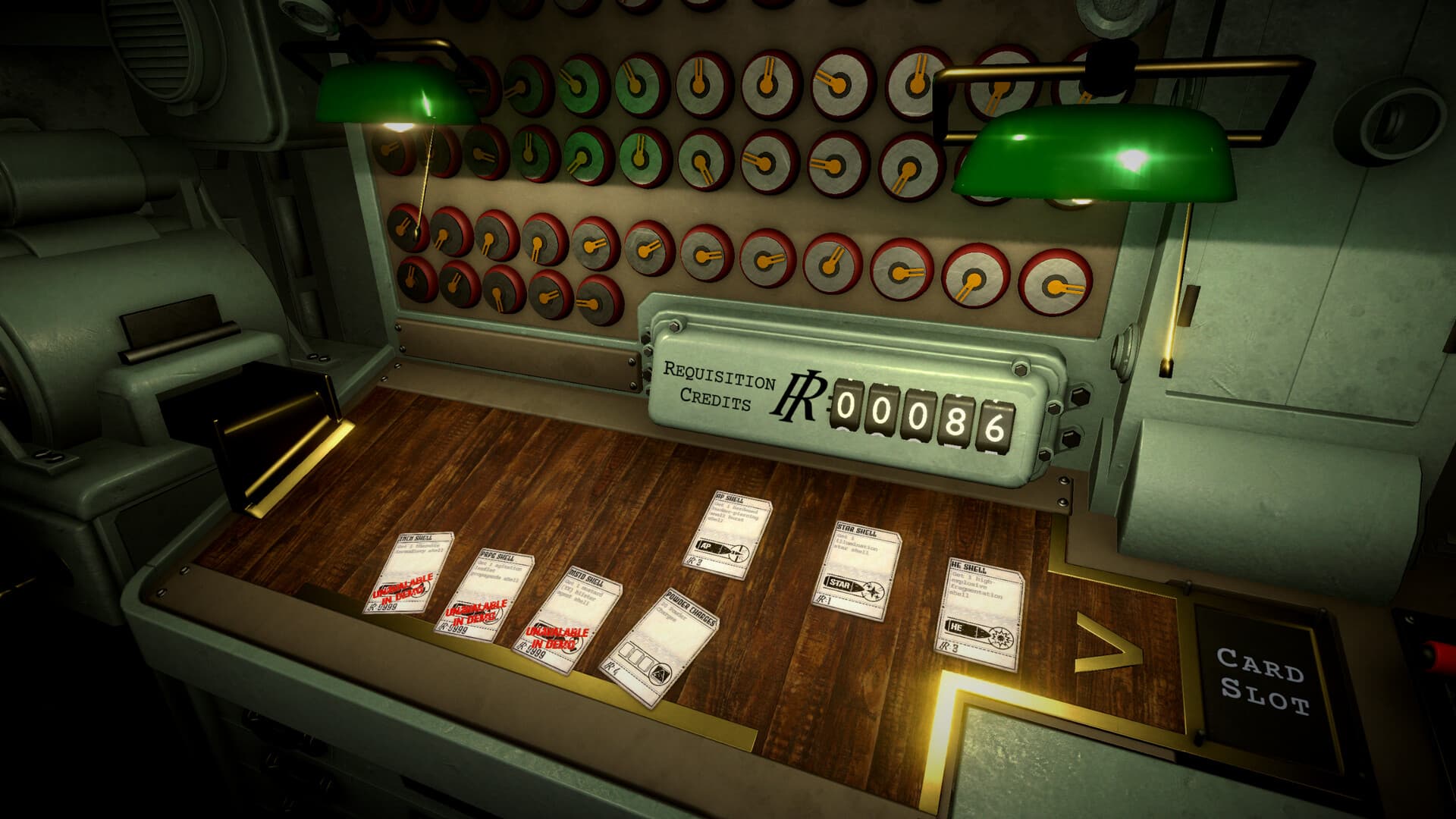
These are official in-game screenshots, matched to the guides that explain each station.
Quick references
A role-based shell reference for destructive fire, screening, observation, reconnaissance, and mission-specific ammunition, with a verification workflow for patch changes.
Open reference →BallisticsCompare valid charge-and-elevation solutions without publishing stale universal firing numbers, and choose a trajectory for time, elevation, and supply constraints.
Open reference →TechnicalCheck the official minimum and recommended PC requirements, Windows-only platform status, storage needs, controller support, and practical setup checks.
Open reference →Official dispatches
Full text, official images, and video briefings are available without leaving this field guide.
View all official updates →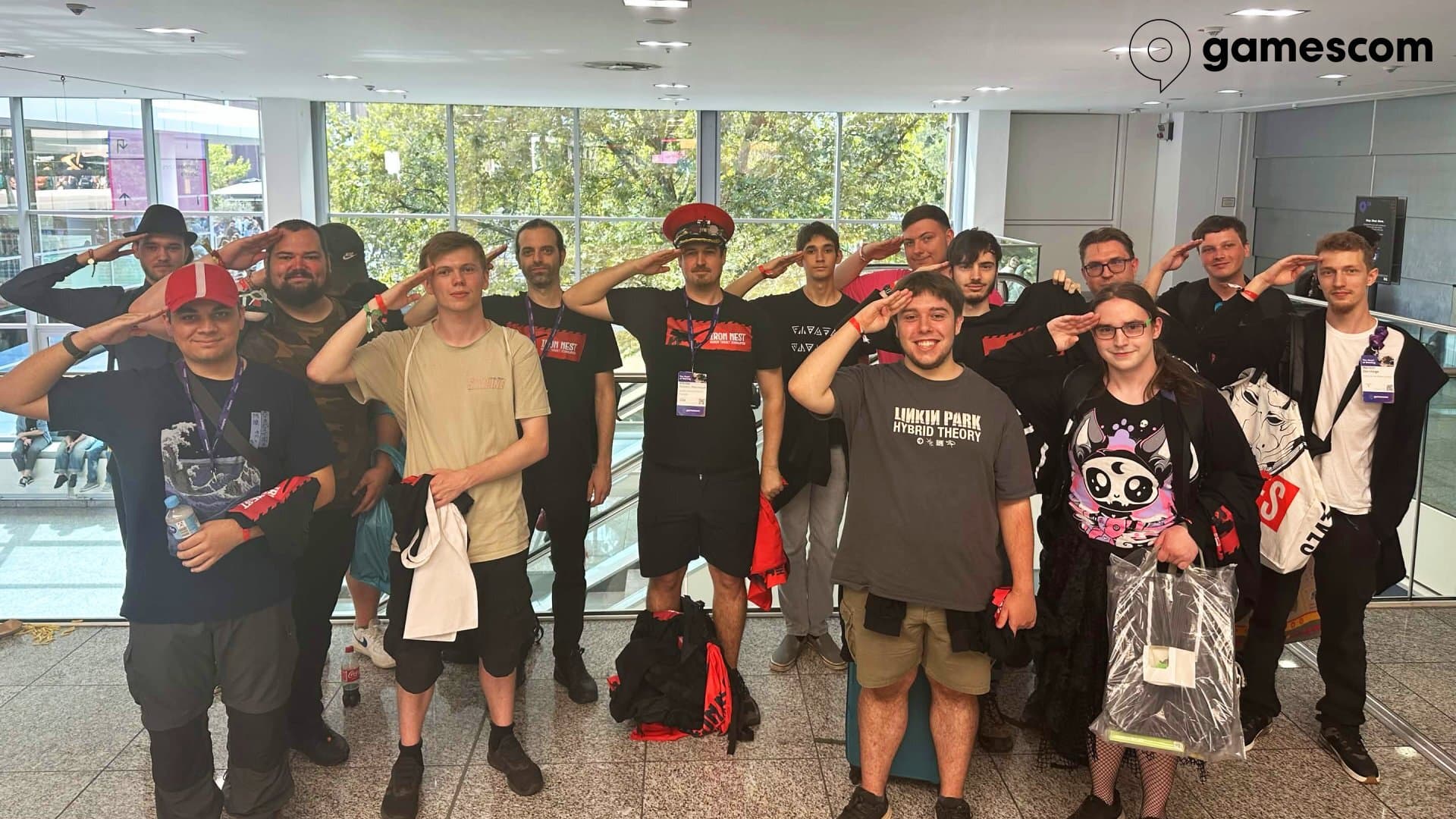 Official image
Operators, High Command is back with another field report. This update brings bug fixes, improvement, and a long-requested reinforcement: GeForce NOW support. Changelog Version 1.0 (1683) FIXED Loading from a save prevents the player from going to sleep IMPROVED Gun jammed if saving/loading mid-reload Reduced log file size ADDED GEFORCE NOW SUPPORT Pevious patches: • • • • • Gamescom 2026 Meetup Thank you to everyone who joined us at the official IRON NEST meetup at Gamescom 2026. Seeing so many of the Operators who helped turn our dream into reality was an incredible experience for us. We hope you wear the uniforms you received with pride. It was a pleasure to share a few stories from the front and meet so many of you in person. Our only regret is how quickly the time together passed. We sincerely hope this was only the first of many meetings to come. New Mission & Community Items As ou
Read full dispatch →<img src=" alt=""><p>Глава <strong>Moon Studios</strong><em> <strong>Томас Малер</strong></em> (дилогия <strong>Ori</strong> и <strong>No Rest for the Wicked</strong>)<em><strong> </strong></em>запустил свой агрегатор оценок<strong> Videogamescritic.com</strong>. Согласно задумке, на портале сравниваются оценки СМИ с оценками пользователей, после чего формируется рейтинг «доверия».</p>
Read full dispatch → Official image
Operators, High Command is now deploying one of the most requested features since the offensive began: SAVE & RESUME SYSTEM is now battle-ready. Thank you for your patience, and continued service on the front. Changelog Version 1.0 (1663) FIXED Mission soft lock on Iron Road if the player hits the train with 2 shells at the same time Steam gold medal achievements not unlocking Motion blur was missing from all screen shake events, irrespective of the toggle setting Consecutive kills medal in Iron Road was impossible to obtain Cat blocking the view if held while interacting with stations Missing Patreon Operator-tier names on guns Some names missing from credits and barrels ADDED SAVING ON MISSION EXIT, AND CONTINUING MISSION FROM SAVE Pevious patches: • • • • Special Commendation from High Command Before the Save & Resume System, was cleared for official deployment, a group of Operators f
Read full dispatch →Depth without guesswork
Official facts stay separate from community findings. Patch notes and release details come from the developer feed. Player tactics are labeled and linked instead of being rewritten as confirmed mechanics.
Page count follows search intent. We merge near-duplicate queries, add a page when it solves a distinct task, and use the current game interface as the authority for patch-sensitive values.
Visuals explain real stations. Gameplay images come from the official Steam media library. Generated decoration is never presented as a screenshot or evidence.
Prepare targets early, keep two firing cards separate, and rebuild every solution after the NEST relocates.
Open mission guide