
Ballistic Calculator
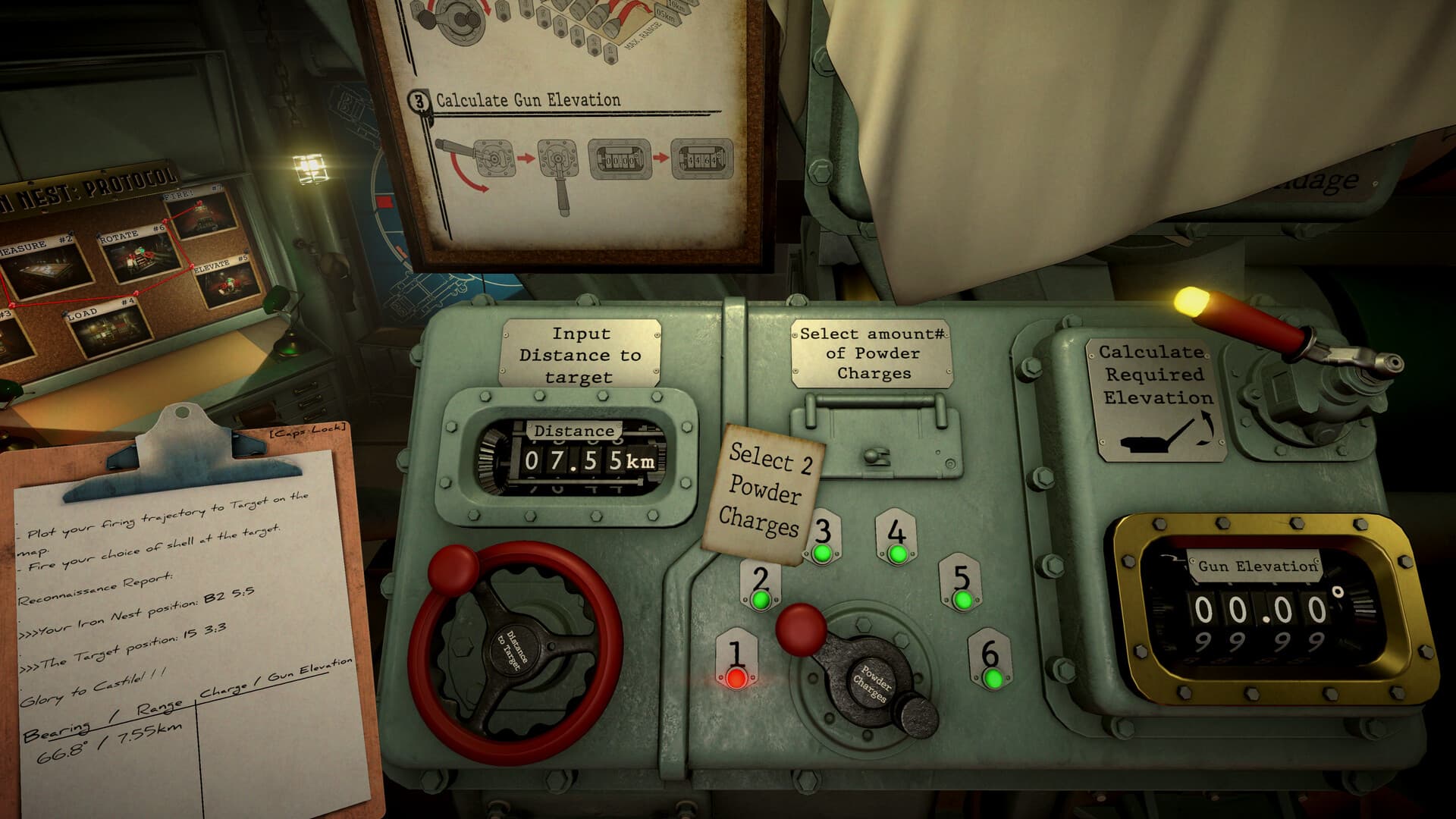
The calculator converts two inputs—target range and powder-charge count—into the gun elevation for that trajectory. It does not determine target position or bearing, and it cannot detect a stale NEST marker.
Field reference
Calculator transfer check
| Value | Comes from | Goes to |
|---|---|---|
| Range | Final tactical-map line | Calculator input |
| Charges | Chosen physical load | Calculator selector |
| Elevation | Calculator result | Selected gun |
Inputs the calculator needs
Bring a verified straight-line range from the NEST's current map position to the confirmed target. Then choose a charge count that is available at the loading station. Bearing belongs to the turret controls, not the elevation calculation.
Produce and transfer a solution
Use one repeatable workflow so values do not get mixed between targets or barrels.
- Confirm the NEST has not moved since measurement.
- Enter the target range.
- Select the intended powder-charge count.
- Record the displayed elevation beside that range and charge count.
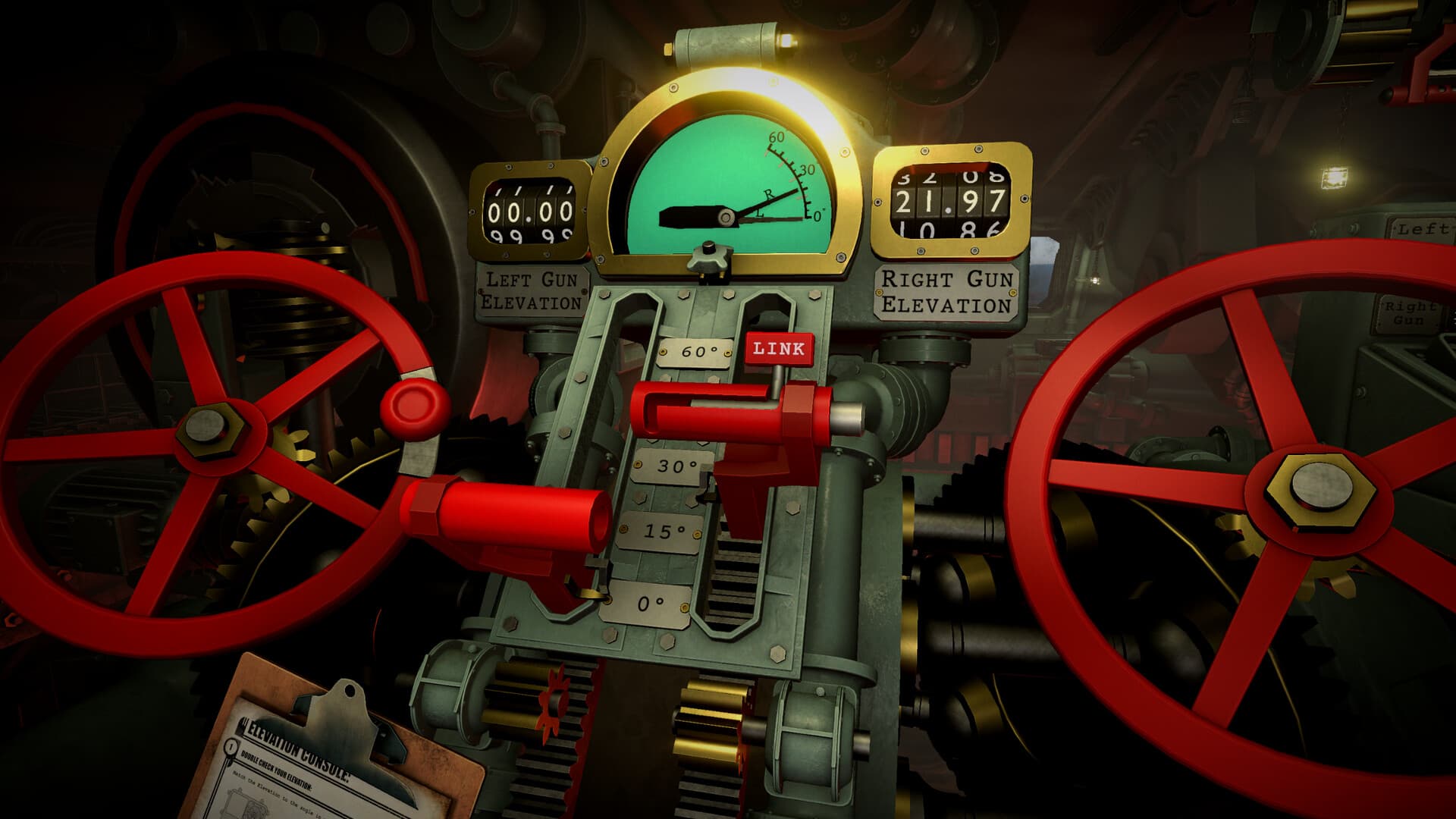
- Set the correct gun to that elevation.
- Load the recorded charges, not the count from another firing card.
When the output looks extreme
A very high or otherwise implausible elevation is a reason to recheck inputs before firing. Confirm the range units, endpoints, charge selection, and whether you measured from the correct NEST marker. Trying a different valid charge count is reasonable only after the range is trusted.
Four checks after a miss
Check map range, selected calculator charges, physically loaded charges, and actual gun elevation independently. If bearing is wrong, return to the map; changing calculator values will not repair a directional plotting error.
Operator field note
Treat the calculator as a transfer station
The calculator does not know whether the target is real, whether the NEST has moved, or whether the loader followed the selected powder count. Its job is narrower: turn a trusted range and chosen charge count into the elevation for that trajectory. This boundary is useful because it tells you where not to troubleshoot a directional error.
Record the three values as one block. Range enters from the final map line, charges express the intended physical load, and elevation leaves for a specific gun. If a different charge count is loaded, discard the elevation rather than trying to compensate from memory. If the target or NEST changes, return to the map before reopening the calculator.
An extreme output is a warning to verify inputs, not permission to improvise. Check range units, endpoints, current origin, and charge selection. Compare another valid charge count only after the geometry is trusted and when elevation limits, flight time, or supplies create a real reason.
Sources & verification
Mechanics can change after patches. Official references and clearly labeled community findings used for this guide:
Official Steam page ↗Steam player mechanics discussions ↗Quick clarifications
Frequently asked questions
Does the calculator determine bearing?
No. Bearing comes from the tactical map and controls turret traverse. The calculator uses range and powder charges to determine elevation.
Can I change powder charges without recalculating?
No. Charge count and elevation are paired. Changing the physical load creates a different trajectory and invalidates the previous elevation.
Why is my result implausibly high?
Recheck the final range, map endpoints, current NEST position, and selected charges before experimenting. An input or transfer error is more useful to rule out than an assumed hidden mechanic.