
Challenge Modes
Challenge runs reward a repeatable firing workflow more than reckless speed. Rules differ by mode and may change after updates, so read the selected mode in game before planning the run.
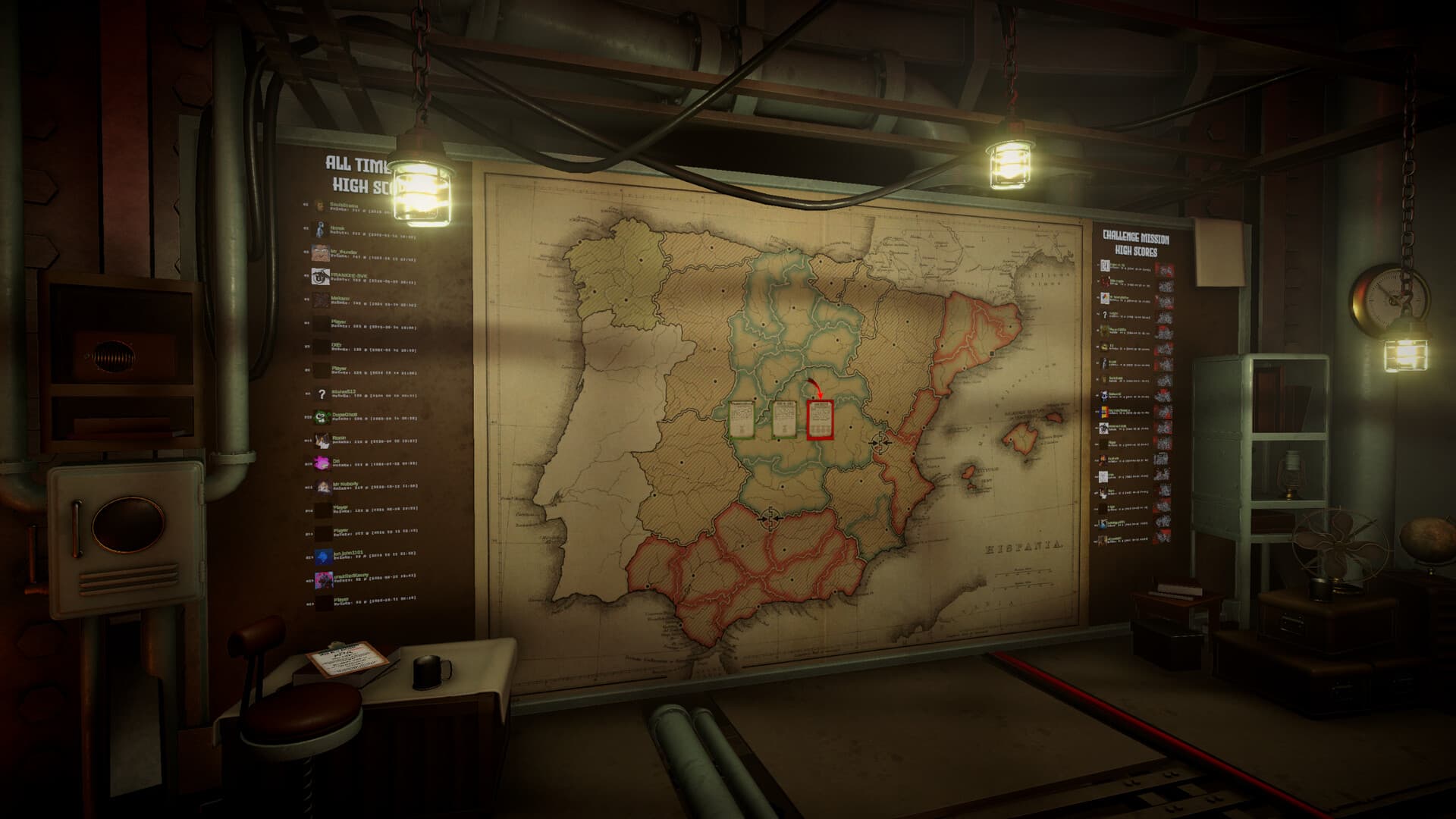
Read the mode before loading the gun
Confirm the objective, available equipment, scoring conditions, resource limits, and failure state shown in the current build. Do not assume that a normal campaign tactic scores well in a challenge variant.
Build a repeatable run
Use the same order-reading, plotting, calculator, loading, and verification sequence each time. When a run improves, you can then identify whether the gain came from faster triangulation, better charge choice, fewer corrections, or less movement between stations.
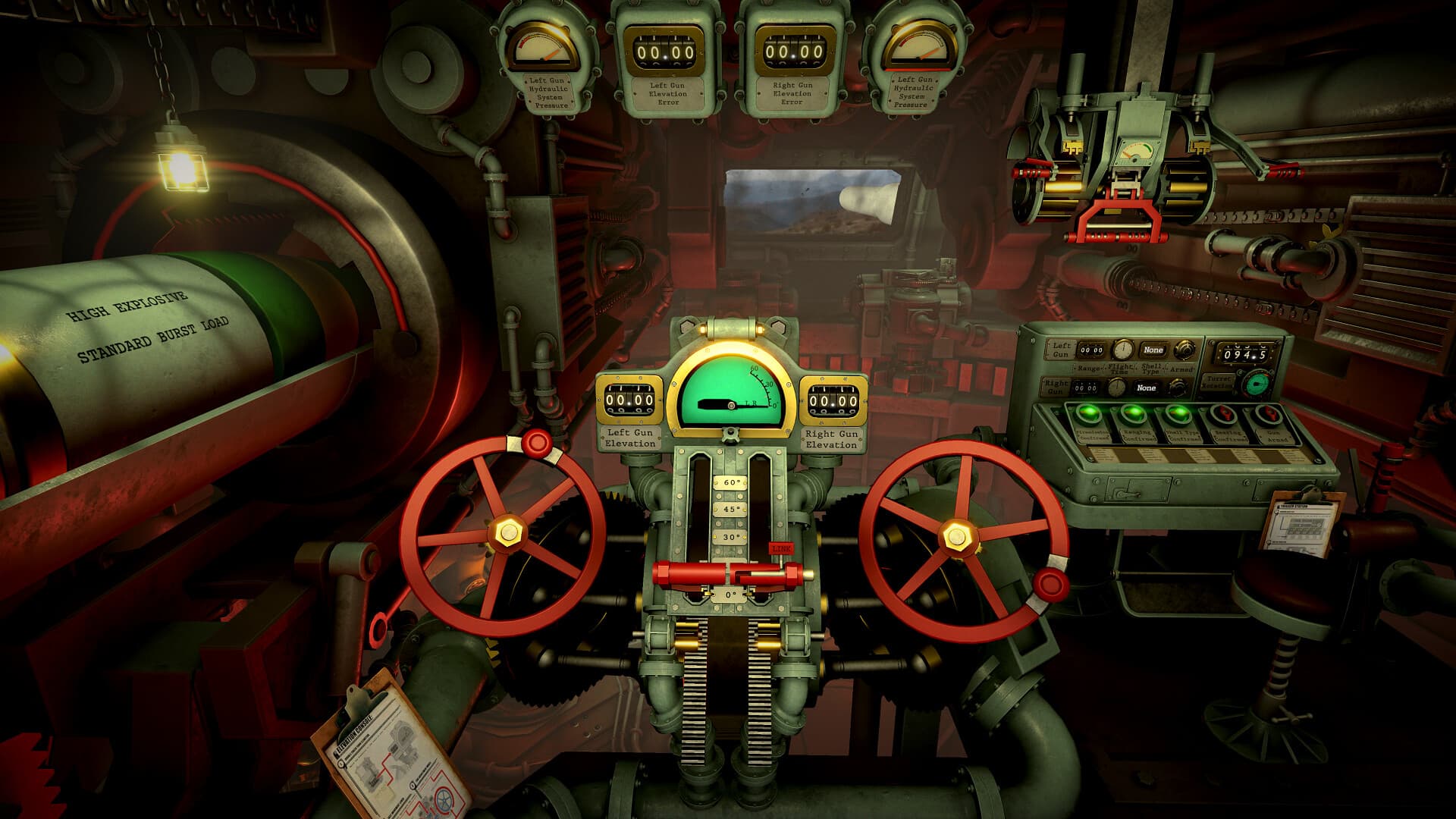
Make sure the result saves
Complete the mission and continue through the result or newspaper flow until the game records the outcome. Quitting immediately after the final shot can make score troubleshooting harder. If a Discord score does not appear, first confirm the run exists locally and that the linked account has synced.
Use the official leaderboard commands
After linking the account key from Options → Settings → Leaderboard, use /leaderboard challenge to browse challenge standings, /leaderboard me for your own position, and /leaderboard searchchallenge to locate another operator. Online rankings compare results; they are not a multiplayer mode.
Compare runs in the same version
Balance changes can alter ammunition cost, timing, scoring, or mission behavior. Record the game version and challenge name with serious attempts, and avoid comparing a current full-release score directly with an older demo run.
Sources & verification
Mechanics can change after patches. Official references and clearly labeled community findings used for this guide:
Official Steam announcements: Discord leaderboards ↗Official Steam store page and challenge-mode description ↗