
Medals
IRON NEST advertises more than 100 unlockable medals. Because hidden conditions and patches can make community lists unreliable, use the current build and official account tools as the source of truth.
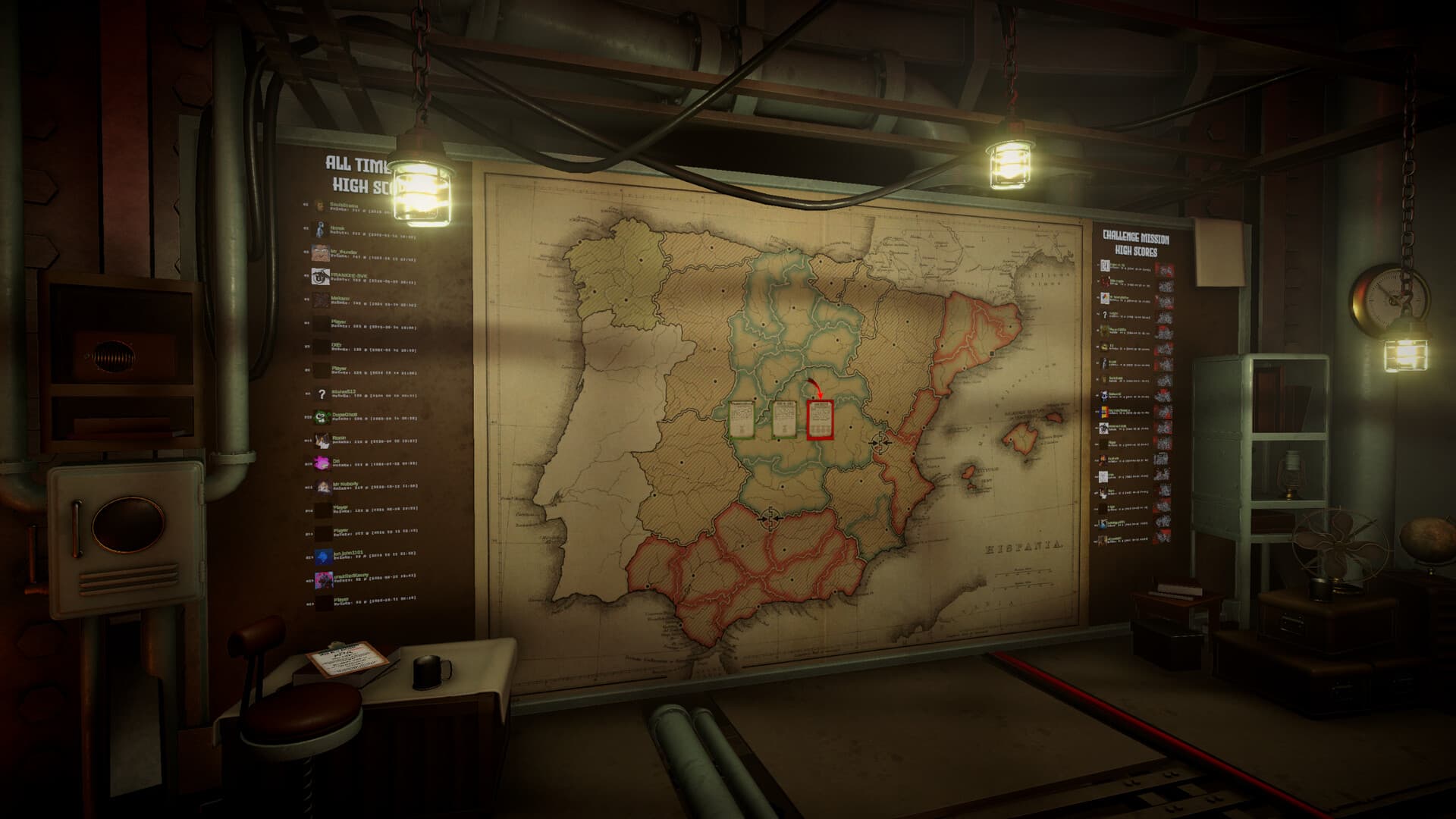
Use the current build as the authority
Open the progression or medal interface and read the displayed description before attempting an unlock. A guide written for the demo may describe a renamed, rebalanced, or removed condition in the full release.
Link the official Discord leaderboard account
Open Options → Settings → Leaderboard in game and copy the generated account key. In the official Discord server, run /linkaccount with that key. Complete at least one mission after linking so the service has current results to display.
Check synced medal progress
Use /missions mymedals in the official server to inspect the medal data associated with the linked account. If nothing appears, confirm the account link, finish and save a mission, then check again rather than creating a second identity.
Test uncertain conditions methodically
For medals whose wording is ambiguous, record the mission, mode, difficulty, shell choice, score, and final outcome. Change only one variable on the next attempt. Treat player reports as leads until the current game confirms the unlock.
Sources & verification
Mechanics can change after patches. Official references and clearly labeled community findings used for this guide:
Official Steam announcements and community updates ↗Official Steam store page ↗