
Shell Selection by Objective
A shell that reaches the correct coordinate can still fail the mission when it creates the wrong effect. Destruction, screening, illumination, reconnaissance, and special objectives must be read as different jobs. Exact names, costs, and balance values remain patch-sensitive, but the selection method is stable.
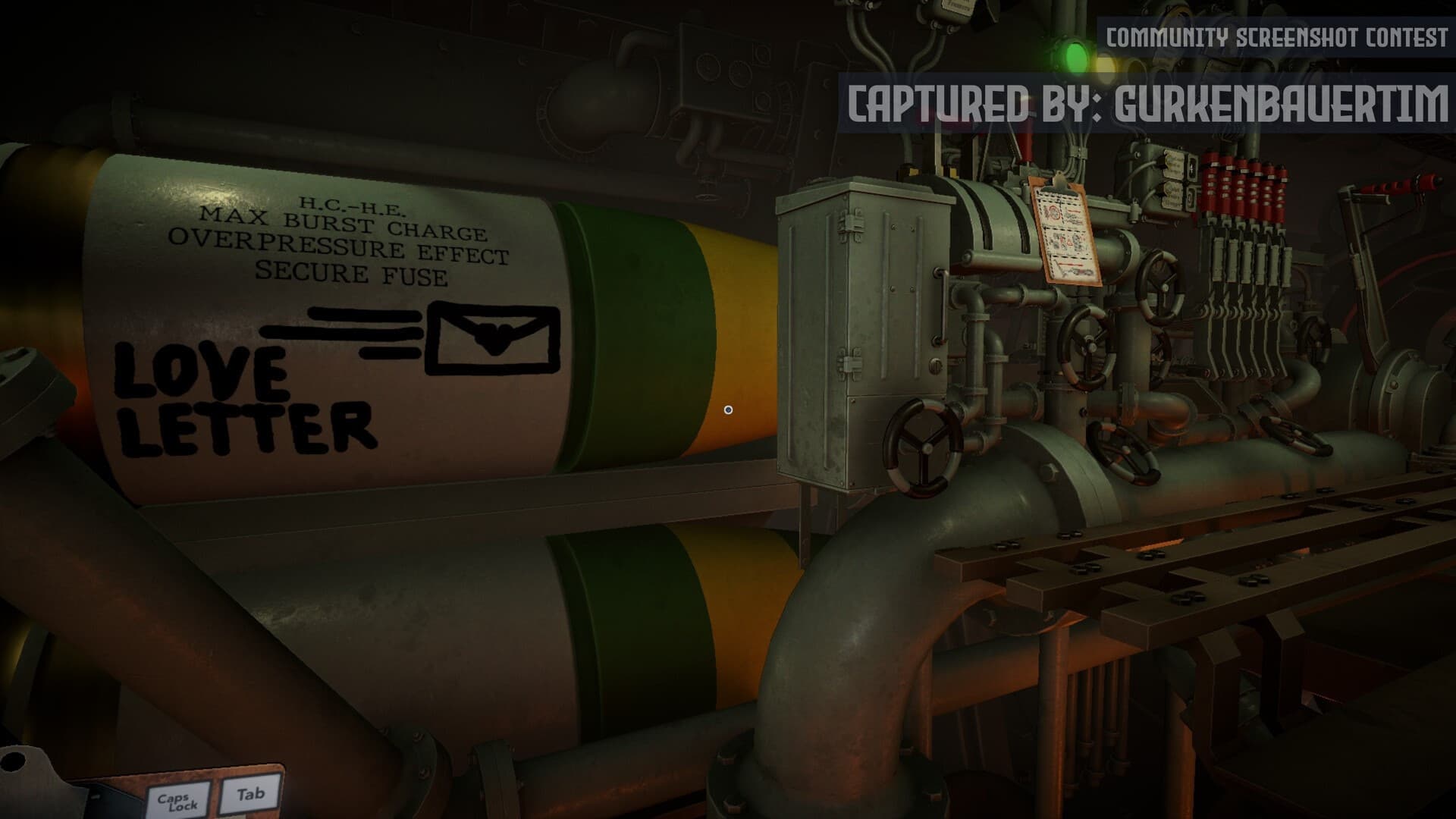
Start from the effect, not the inventory list
Translate the order into a battlefield job before browsing ammunition. A destructive target requires an appropriate damaging payload; a screening objective requires the named smoke or support effect; an uncertain target may require information before destruction. Do not infer that a more expensive shell is universally better—the objective determines what counts as success.
Treat named ammunition as a hard constraint
When the order specifies a shell, copy the exact name to the firing card and verify it again at the loading station. Mission-specific ammunition can be part of the completion condition. A nearby impact or larger explosion does not prove the correct effect was delivered.
- Write the objective verb.
- Write the target class or named location.
- Copy any required shell exactly.
- Confirm availability before finalizing the shot.
- Verify payload separately from charges and elevation.
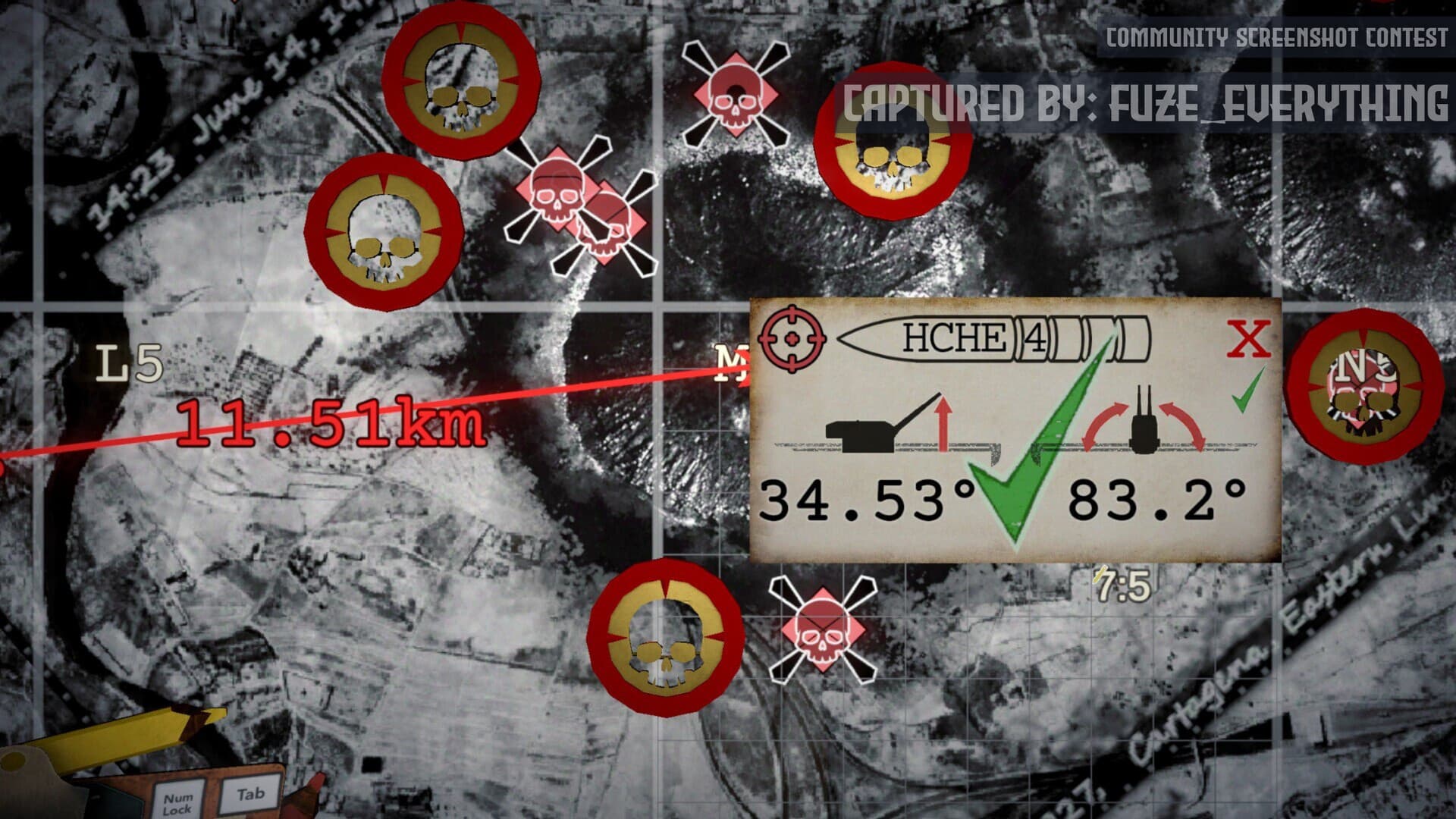
Avoid unsupported permanent damage tables
Exact damage, cost, penetration, duration, and target rules can change between demo, launch, and later patches. Use the current in-game description and official patch notes as authority. Community spreadsheets are useful leads only when their version, test setup, and target conditions match the current build.
Diagnose a correct impact with no progress
First confirm target identity and the mission's requested effect. Then verify the shell name, impact location, and whether a follow-up condition arrived after the shot. Do not immediately alter bearing or elevation when the impact was geometrically correct; the failure may belong to objective interpretation or payload selection.
Sources & verification
Mechanics can change after patches. Official references and clearly labeled community findings used for this guide:
Official IRON NEST Steam page ↗IRON NEST Steam Community discussions ↗