
Controls & Keybinds
IRON NEST is easier to operate when controls are learned by station rather than as one long keyboard list. The current release also advertises full controller support, so this guide focuses on stable actions and shows where to verify the binding displayed by your build.
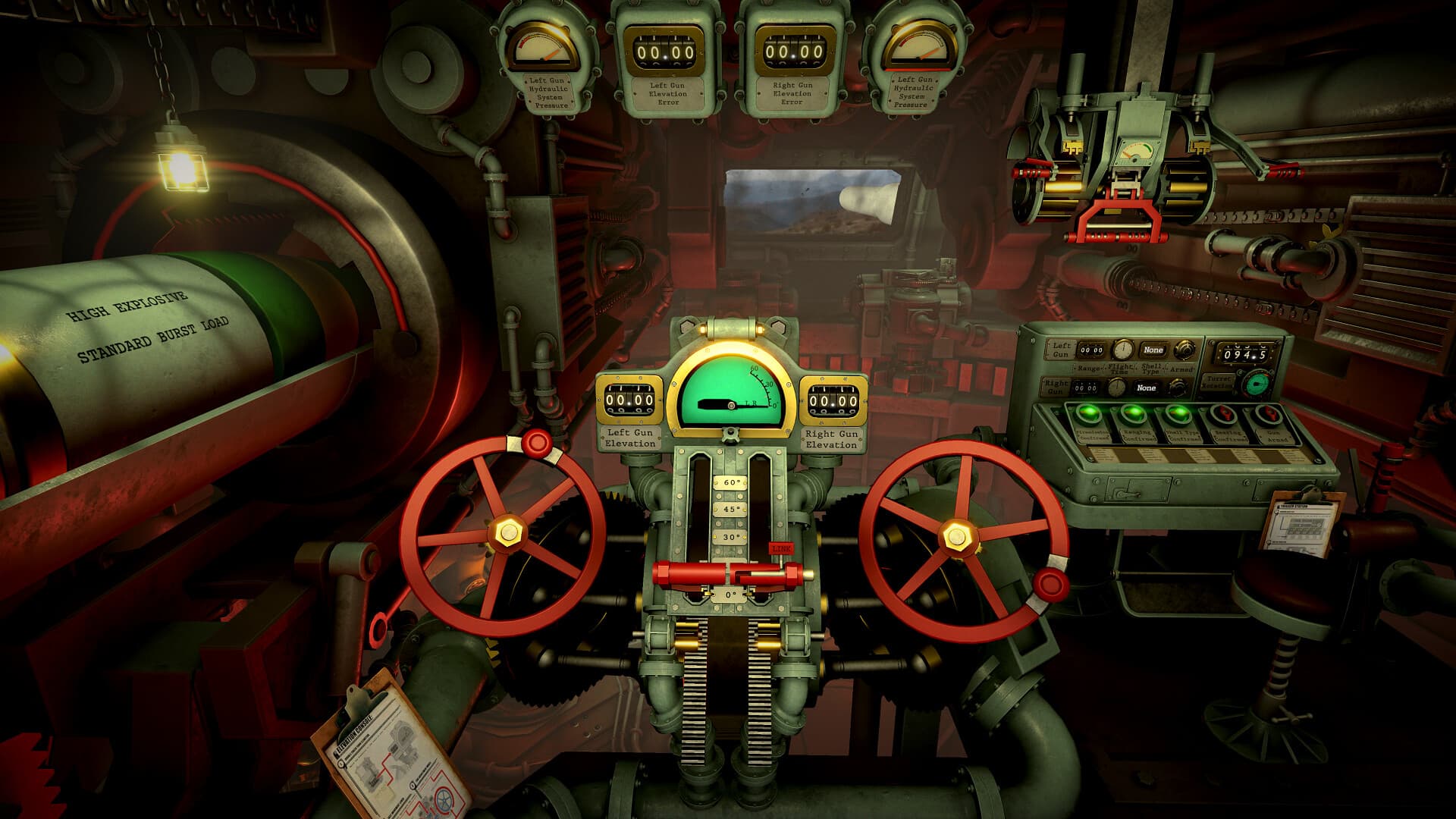
Field reference
Learn by station
| Station | Actions to master |
|---|---|
| Movement | Move, interact, back, crouch |
| Tactical map | Place, draw, measure, remove |
| Calculator | Set range, select charges, read elevation |
| Loading | Select shell, load physical charges |
| Gun controls | Traverse, elevate, link, verify, fire |
Exact bindings should be checked in the current Controls menu.
Start with the current Controls menu
Do not rely on an old demo screenshot for exact keys. Open Options, review the current keyboard or controller layout, and note any remapped input before beginning a timed mission. The prompt shown by the current build is the authority when a community guide disagrees.
Learn controls by station
Group inputs around the job they perform. Movement and interaction get you around the interior; map inputs place markers and draw measurements; calculator inputs set range and charges; loading controls move ammunition; gun controls set traverse, elevation, linkage, and firing state.
- Practice movement and interaction in a safe opening phase.
- Open and close the tactical map and clipboard until each is automatic.
- Practice placing, moving, and removing a map marker.
- Transfer one test solution from calculator to gun.
- Rehearse the pre-fire read-back before using live ammunition.
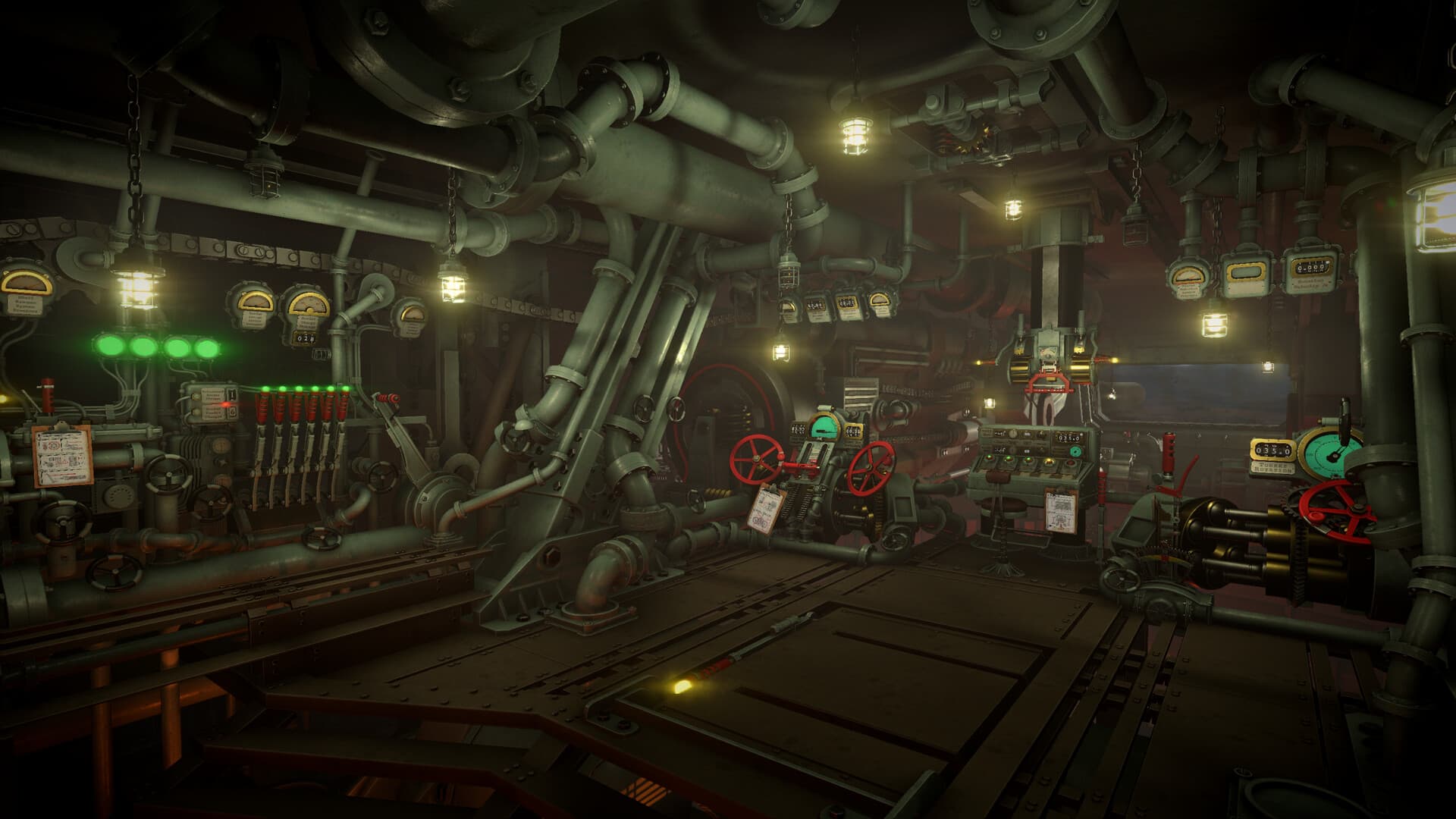
Avoid cross-station input mistakes
A familiar button can perform a different action when focus moves to another control panel. Look at the highlighted control and on-screen prompt before confirming. If an input seems unresponsive, step back, re-enter the interaction point, and confirm that the correct device is active.
Controller and accessibility checks
The Steam listing identifies full controller support and multiple accessibility features. Test stick sensitivity, volume controls, color alternatives, and timed-input settings before a difficult operation. Keep the mouse available for precise map work if that is more comfortable, but verify the game has switched cleanly between devices.
A five-minute practice route
Walk from the intelligence desk to the map, calculator, loading controls, and both gun stations without firing. At each stop, identify the interact, back, and station-specific adjustment controls. Repeat until you can follow the route without searching the cabin.
Operator field note
Build muscle memory around jobs
A flat key list is difficult to recall under time pressure because the same operator performs several different jobs. Practice controls in station order: move and interact, read intelligence, place and measure on the map, set the calculator, move ammunition, then lay and fire the guns. The physical route gives each input a context.
Exact bindings can change with remapping, input device, or game updates. The current Controls menu and on-screen prompt take priority over an old screenshot. Test controller sensitivity, color alternatives, volume controls, and timed-input options before a difficult operation rather than during it.
When an action seems unresponsive, verify focus before assuming a bug. Step away from the panel, re-enter the interaction point, look at the highlighted control, and confirm the game has switched cleanly between controller and mouse or keyboard.
Sources & verification
Mechanics can change after patches. Official references and clearly labeled community findings used for this guide:
Official Steam page and controller-support listing ↗Community operator guide ↗Quick clarifications
Frequently asked questions
Does IRON NEST support controllers?
The official Steam listing identifies full controller support. Verify the current layout and sensitivity in the game settings.
Why are exact keys not hard-coded here?
Bindings can be remapped and can change between builds. This guide teaches stable actions and directs players to the current Controls menu for exact inputs.
What is the fastest way to learn the cabin?
Walk the same intelligence-to-map-to-calculator-to-loading-to-guns route without firing, identifying interact, back, and adjustment controls at each station.