
Distance Circles & Compass
A distance report does not identify one point. It identifies every point on a circle around the reporter, which means another clue is required before the target can be selected.
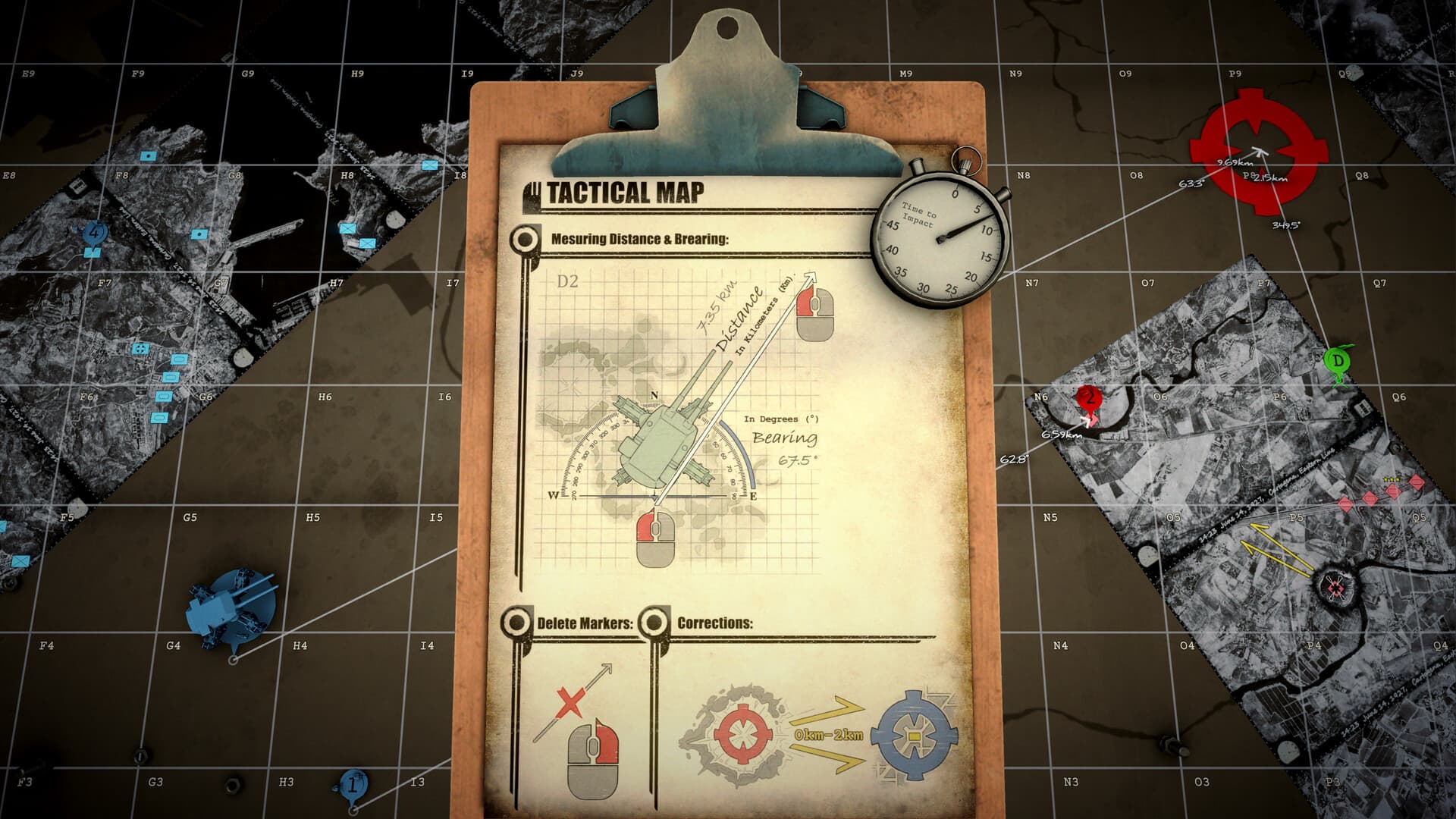
Understand what a distance means
A range from Spotter 1 is a radius around Spotter 1. It is not the range from the NEST unless the NEST is the stated origin. Draw the geometry before copying any number to the firing card.
Draw the first arc
Place the reporter at the full coordinate, center the compass on that point, and adjust the radius to the message value. Draw enough of the circle to cover the plausible mission area.
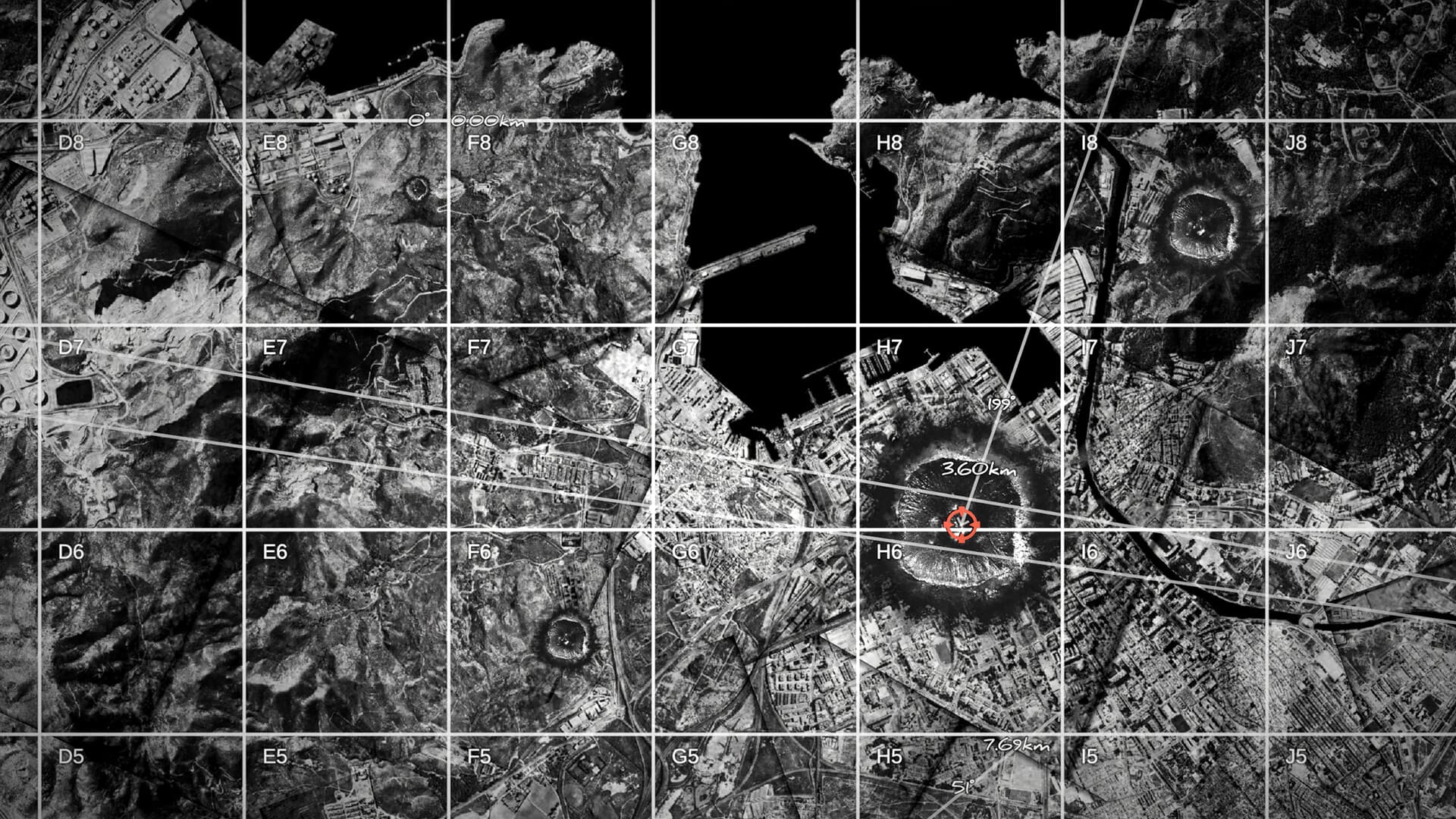
Add a second independent clue
A second circle normally creates two intersections; a bearing line can create one or two. Use another report, terrain constraint, named region, or recon result to select the plausible position.
Reject bad geometry
If circles do not meet, verify the origins, units, sub-cells, and whether both reports describe the same subject. Do not stretch an arc until it touches—the mismatch is diagnostic information.
Create the final firing line
Mark the confirmed target and draw a new line from the current NEST. Only this line provides gun bearing and target range. Preserve the original arcs long enough to audit a miss.
Sources & verification
Mechanics can change after patches. Official references and clearly labeled community findings used for this guide:
Community map and measurement guide ↗Steam community guides ↗